Why AI Meeting Tools Fail PMs and What to Use Instead
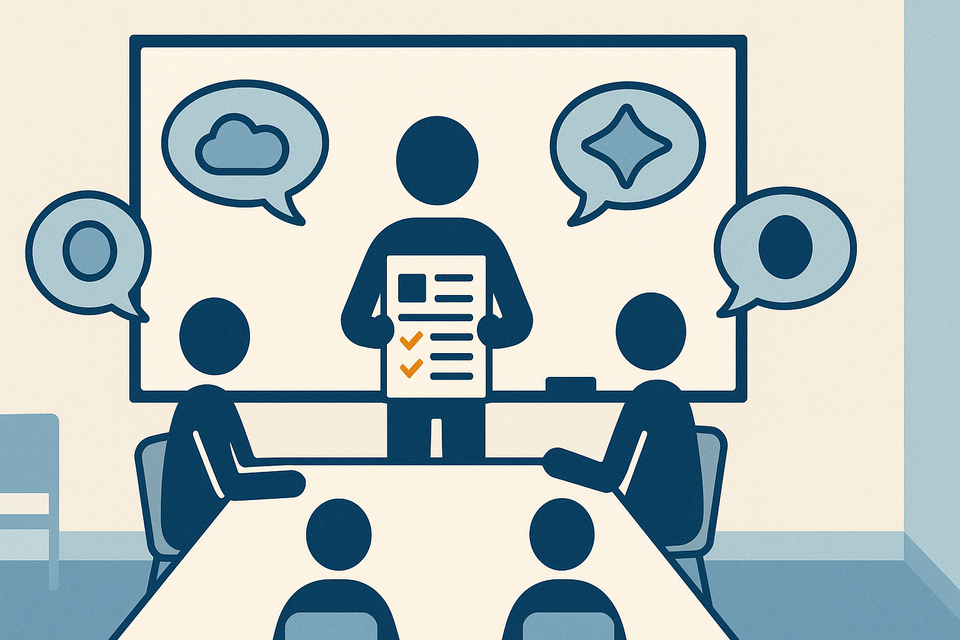
You sit in a meeting. Everyone talks. Someone types frantically in Otter or Fireflies.
You sit in a meeting. Everyone talks. Someone types frantically in Otter or Fireflies. Thirty minutes later you get a transcript. It's word-for-word accurate. It's also useless.
The AI captured that Sarah said "we should probably look at the resource constraint," but it did not capture that this is the third time she has raised it, that it blocks your critical path, and that the room went silent when she said it. The tool transcribed "we'll circle back on budget" but did not flag that nobody actually committed to a specific review date, and now you have no idea whether to hold the line on your spend forecast or start preparing a contingency.
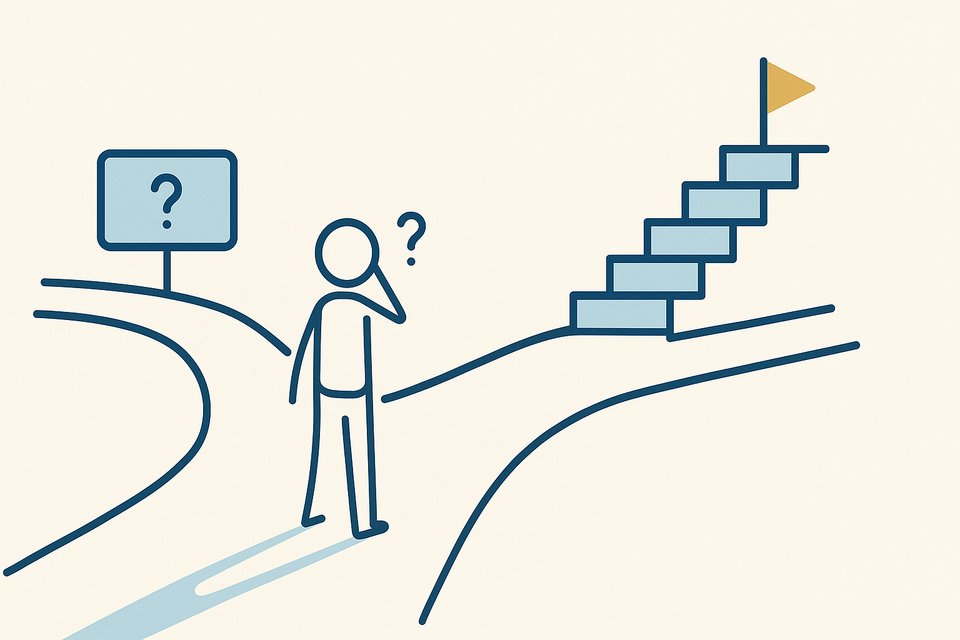
This is the gap most AI meeting tools miss. They are excellent at transcription. They are useless at PM-specific interpretation.
Here is what is actually broken: AI meeting tools treat all words as equally important. A PM does not. You need to know what changed your project state: decisions, risks, blockers, new constraints, and you need to know who is accountable for what, by when. The tool generates 2,000 words of discussion. You need 200 words of signal.
Worse, the tool assumes one audience. You dump the same notes in Slack or email to your steering committee, your delivery team, and your resource manager. Each of them needs something different. Your CFO needs to know the budget decision landed and by when it takes effect. Your team needs to know what unblocked them. Your exec sponsor needs to know what escalated. One transcript does not solve for three audiences.
Most AI tools also struggle with accountability. They can identify "someone should check the vendor response." They cannot tell you whether that was a hard commitment from the procurement lead or a polite suggestion from the sponsor. The room's implicit hierarchy and credibility matter enormously. The AI does not hear it.
Here is how to fix it without waiting for the tool vendors to solve it: Use the AI transcript as a first draft, then layer on a lightweight PM structure that turns it into actionable minutes.
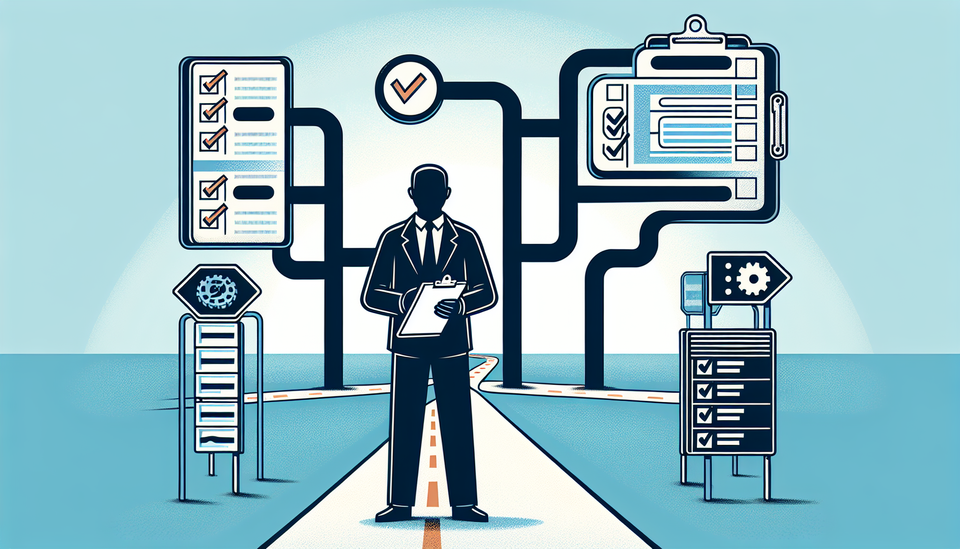
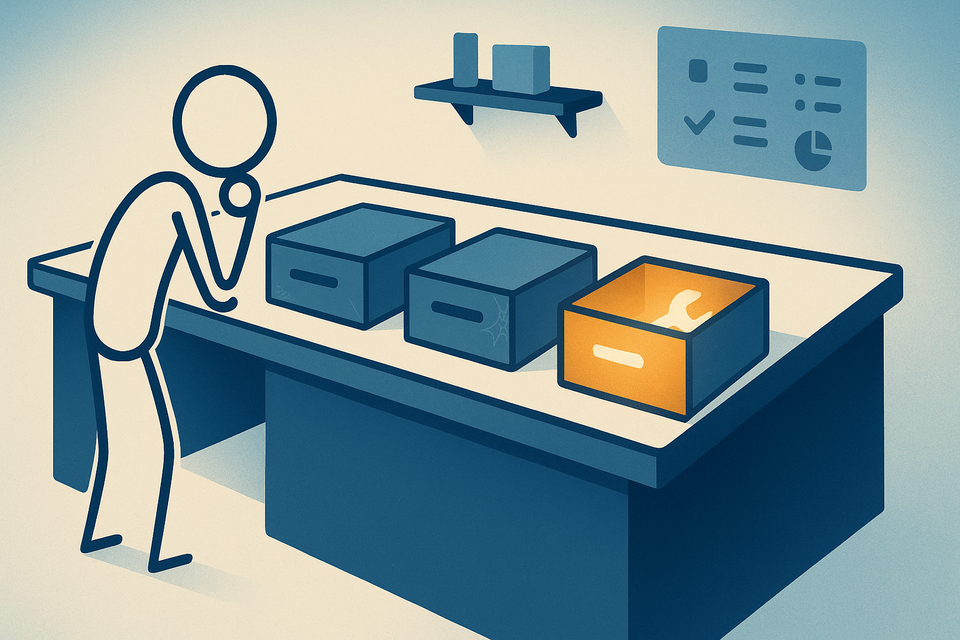
Start with a template that separates concerns. After your meeting ends (and this takes maybe five minutes), create three sections: Decisions Made, Risks Surfaced, and Open Items. For each decision, write one sentence about what changed and who is delivering it. For each risk, write what could block you and who is watching it. For open items, write the question, the owner, and the due date.
Pull these from the transcript, but do not just copy language. Translate it into project language. If the discussion was "we might need to pull in an external resource for testing," write it as "Testing capacity risk: Current headcount may not cover the extended scope window. Owner: QA lead. Status: Evaluating by Friday."
Then use this structured output to update two places: your project schedule and your RAID log. The decision about testing resources goes into the schedule as a potential constraint on your test phase. The capacity risk goes into your log with an owner and a review date. Now your AI transcript is actually connected to your project state.
The third piece is stakeholder-specific distribution. Your meeting notes should not be one size fits all. Create a two-minute leadership summary: what changed, what is at risk, what needs their attention. Send the full structured minutes to your delivery team. This takes an extra three minutes, but it is the difference between notes that sit in a Slack thread and notes that actually shape how people work.
The tools themselves are improving. Confluence AI and Notion AI can now be trained to recognize your project context: your key dates, your budget line items, your risk categories. Some teams are linking transcript summaries directly to Jira through Atlassian's native AI features, which means a captured decision can automatically surface as a task or flag in your backlog.
But here is the honest limitation: No AI tool will read the room the way a experienced PM does. You cannot automate away the judgment call about what matters. What you can automate is the transcription and the first structural pass. The interpretation stays with you.
Try this for your next three steering committee meetings. Use your current AI tool to generate the transcript. Then spend five minutes filling out a one-page template with three sections: What Changed, What Could Block Us, and What We Are Waiting On. Include owner names and dates. Post that one page, not the full transcript. See whether your steering committee actually reads it and acts on it.
After three meetings, you will know whether your notes are moving your project forward or just creating an archive that nobody touches.
Practical AI intelligence for project managers. Weekly, free. Get frameworks, tools, and decisions that help you stay ahead of AI adoption on your projects. No hype. No filler. Subscribe free →
Stop writing from scratch. Get the 20 prompts PMs actually use for status reports, stakeholder updates, and retro summaries. Download free →