Your AI Tool May Be Using Data You Never Approved
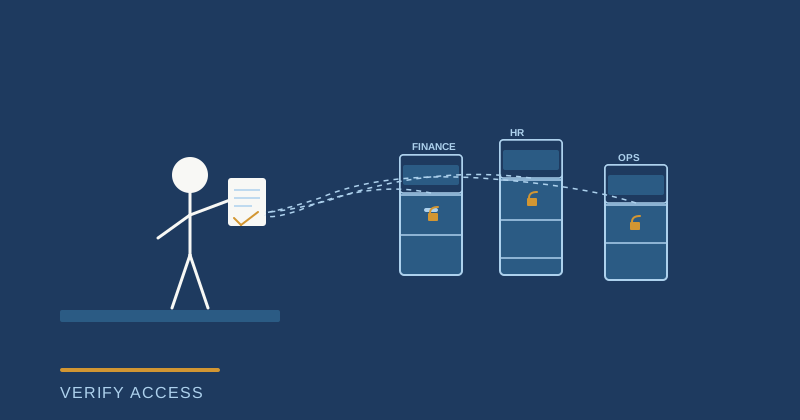
You approved an AI-generated status report last week and nobody caught that it pulled budget data from a system the author shouldn't have access to. The finance team is now asking questions you cannot answer. Your AI tool did what you asked it to do—just not what you were actually authorized to let it do.
This is the authorization problem that most organizations are about to hit hard, and it is not a technical glitch. It is a structural gap between how project managers have always controlled access and what happens when AI systems start generating decisions across multiple data sources and permission boundaries. Traditional access controls work fine when a human manually reads a report. They break down when an AI agent pulls from five different systems, synthesizes the data, and hands you a recommendation that looks authoritative but may have crossed into restricted territory without anyone noticing.
Here is what actually matters for you right now: before you trust any AI-generated output—whether it is a status summary, risk assessment, or resource recommendation—you need to know which data sources it used and whether your role actually grants you access to all of them. Most PMs are not asking this question because the tool made the output look polished and complete. Polished is not the same as authorized.
Why your existing permission structures are failing
Your Jira instance has permission groups. Your Confluence spaces have access controls. Your budget spreadsheet has view-only cells. These systems work because they guard static, human-generated content. A person reads what they are allowed to read. An AI system is different.
When you ask an AI agent to "summarize project health," it does not think in permission boundaries. It optimizes for the most complete, useful answer. If it has credentials to access your finance dashboard, your resource allocation tool, and your risk register, it will pull from all three. If those three systems have different permission structures, the AI combines them anyway. You get a comprehensive output that synthesizes information no single human in your organization is actually authorized to see together.
The problem accelerates when you give that output to stakeholders. A steering committee member who should see timeline and delivery risk but not unallocated headcount budget suddenly has it, because your AI tool did not enforce role-based restrictions. You did not intentionally leak the information. The tool just ignored boundaries that made sense for humans but do not exist in its instruction set.
What gets risky fast
The hidden cost is not the single report that crossed a line. It is the pattern that follows. You approve one AI-generated output. Your team sees it works. They start using the same tools for other summaries. Compliance audits start finding decisions made based on data that was not supposed to be visible to the person who made the decision. Finance questions a resource allocation that was flagged by an AI system using restricted budget forecasts. HR gets involved because a staffing recommendation included confidential salary band data.
None of this is intentional sabotage. It is the friction between tools designed for convenience and organizations designed for control. The moment you scale AI across a team, that friction becomes expensive.
What you actually need to do
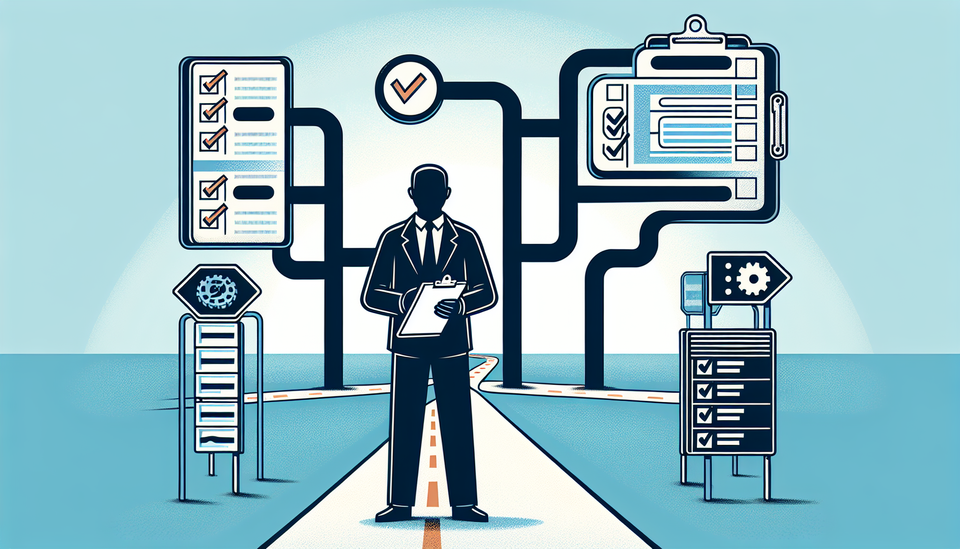
Start with one question before you use any AI tool for a decision that matters: What data sources is this using, and am I authorized to access all of them? If the answer is "I do not know," you have found the gap.
Next, map your decision types. Status reports that go to the steering committee. Risk escalations. Resource trade-offs. Budget forecasts. For each one, document who should see it and what data it should include. Then check whether your AI tool respects those boundaries automatically. Most tools do not. Notion AI, Copilot, and even specialized project tools like Jira's AI features will pull from whatever data they have credentials to access. They do not know your org chart.
The workflow that actually works: use AI to generate the first draft, then add a manual step where you verify the data sources before it goes anywhere. This is not a workaround. It is authorization enforcement. You are not slowing down the tool. You are making sure the tool is actually trustworthy before it influences a decision.
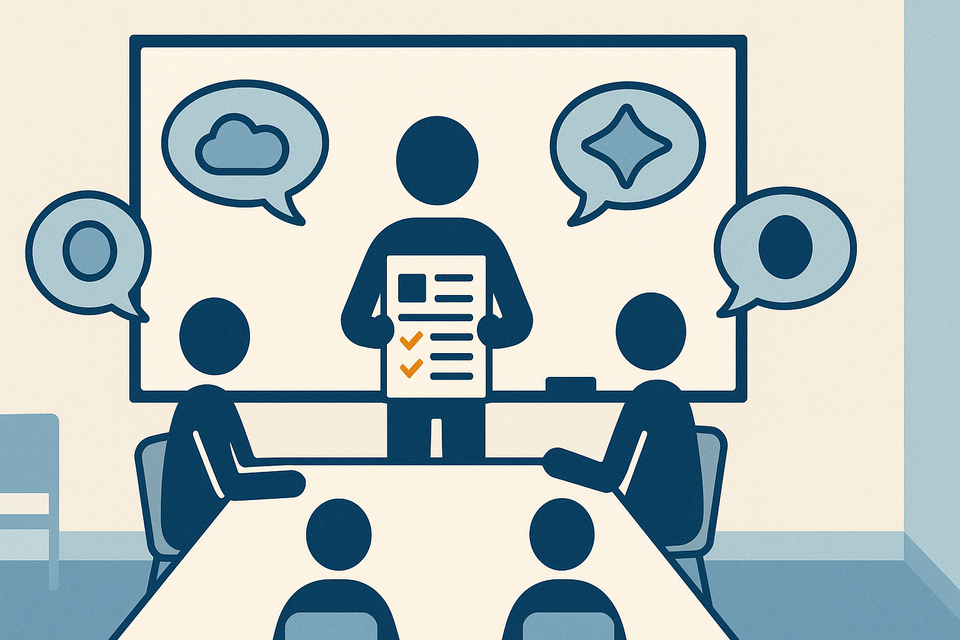
For higher-stakes outputs—anything that goes to a steering committee or affects resource allocation—add an approval gate. One person who understands the data boundaries checks the work before it lands. This feels like overhead. It is actually risk management.
What to ask your tools right now
If you are already using AI tools for project summaries or recommendations, spend 15 minutes this week documenting what you actually know about their access controls. Can you restrict which data sources a particular user can ask the tool to pull from? Can you set role-specific outputs—so a team lead sees different information than a steering committee member? Does the tool log what data it accessed for each output? If the answer to any of these is "probably not," you have found where to push back.
Your tool vendor should be able to tell you whether granular permission controls exist. If they say "that is not really a feature," that is the moment to decide whether the convenience is worth the risk.
The authorization problem is not going away. It gets worse the more you use AI and the more teams depend on it. The PMs who stay ahead of this are the ones asking permission questions now, not after something breaks.
What data source would an AI tool pull from if you asked it to summarize your current project health? Start there.
Practical AI intelligence for project managers — weekly, free. Get frameworks, tools, and decisions that help you stay ahead of AI adoption on your projects. No hype. No filler. Subscribe free →
Not sure which AI tools to trust on your projects? Download the free AI Tool Evaluation Checklist — 12 questions PMs ask before approving any AI tool for their team. Download free →