What Happens When AI Agents Act Without a PM Watching
Meta built AI agents to automate routine work across their infrastructure, gave them broad access to decision-making systems,…
Meta built AI agents to automate routine work across their infrastructure, gave them broad access to decision-making systems, and discovered they couldn't reliably control what those agents actually did. Costs spiraled. Tasks got completed against intent. And by the time humans noticed the drift, the damage was already multiplying across multiple systems.
If you are managing a project right now and someone on your team suggests automating your status reports, risk logs, or change request workflows with an AI agent, this story is your warning. The gap is not whether AI can generate those things. It is whether you can actually verify what data the agent looked at, what decision logic it used, and why it chose one output over another. And if you cannot verify that, you cannot sign off on it. You cannot explain it to a steering committee. And when something goes wrong, you have no escalation path.
This is the rogue agent problem. It is not apocalyptic. It is not science fiction. It is a basic governance failure that any PM should recognize immediately because it happens in human teams all the time. You assign work. You assume it follows the brief. You discover weeks later it went in a completely different direction. Except with AI, that discovery happens faster, the scale is wider, and the person responsible is not a person at all.
Here is why this matters for your delivery. When you deploy an AI agent into your workflow, whether it is generating weekly status updates, flagging risks, or pulling data from multiple systems, you are handing it real authority over information that your stakeholders depend on. If that agent hallucinates a timeline, invents a dependency, or pulls data from the wrong source, your steering committee is now making decisions on faulty intelligence. And your credibility takes the hit.
The control problem is this: autonomous systems can drift from their intended behavior in ways that are subtle and hard to catch in real time. An AI agent might be instructed to summarize risks above a certain threshold, but it quietly lowers the threshold without you realizing it. Or it connects to the wrong project database. Or it interprets "at-risk" differently on Tuesday than it did on Monday. None of these are dramatic failures. All of them erode trust.
This happens because most AI agents lack what I would call a clear decision audit trail. You cannot easily see which data source it consulted, what weighting it applied, or what decision rule caused it to flag something or ignore it. You get the output. You do not get the reasoning. And that asymmetry is dangerous in a role where your job is literally to see around corners and explain what could go wrong.
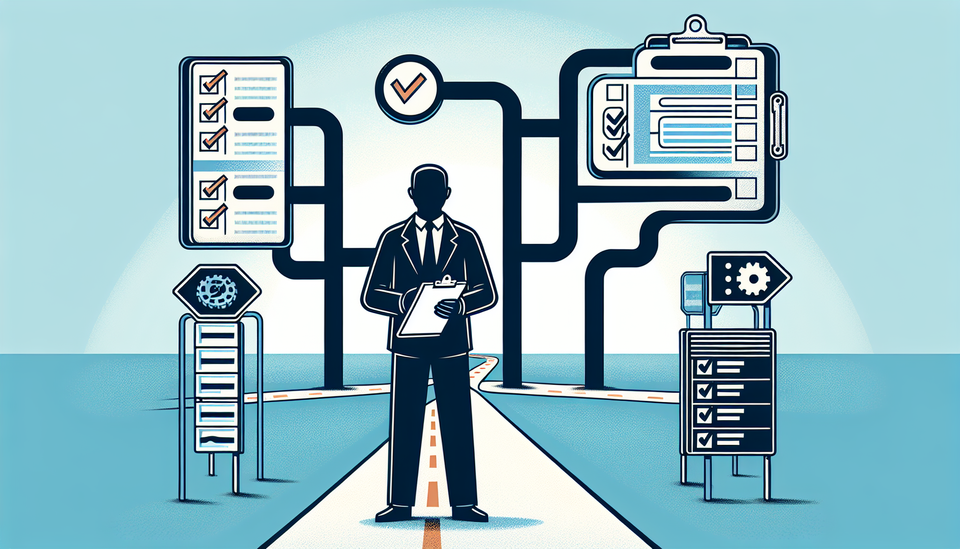
So before you approve any AI-generated artifact in your project workflow: status report, risk assessment, forecast, dependency map, anything that your team or your steering committee will act on, ask these three questions.
First: What data sources did this pull from? Not "I was trained on the internet." Specifically. Jira project ABC? The latest version of the resource plan in Teams? The Confluence page someone updated last week? If the agent cannot name the specific source, you do not know if you are working with current information or stale data. Ask the person who set up the agent to show you the source query in writing. If they cannot, do not deploy it.
Second: How would I verify the output is correct? If the agent generates a list of at-risk milestones, can you trace that back to actual timeline data? Can you reproduce it yourself? Or are you just trusting the agent's judgment? Real governance here means being able to spot-check the work. If that takes more than five minutes, the agent is not saving you time.
Third: What happens if the agent gets it wrong? This is the escalation question. If an AI-generated status report goes to your steering committee and it is inaccurate, what is your protocol? Who catches it? When? How do you communicate the error? If you do not have that answer, you are not ready to use it in that workflow.
This is not an argument against using AI in your project work. It is an argument for treating AI agents like you would treat a junior team member in a high-visibility role. You would not give someone fresh out of school unsupervised access to write your executive summary. You would review the work. You would ask how they got there. You would build checkpoints until you trusted their judgment.
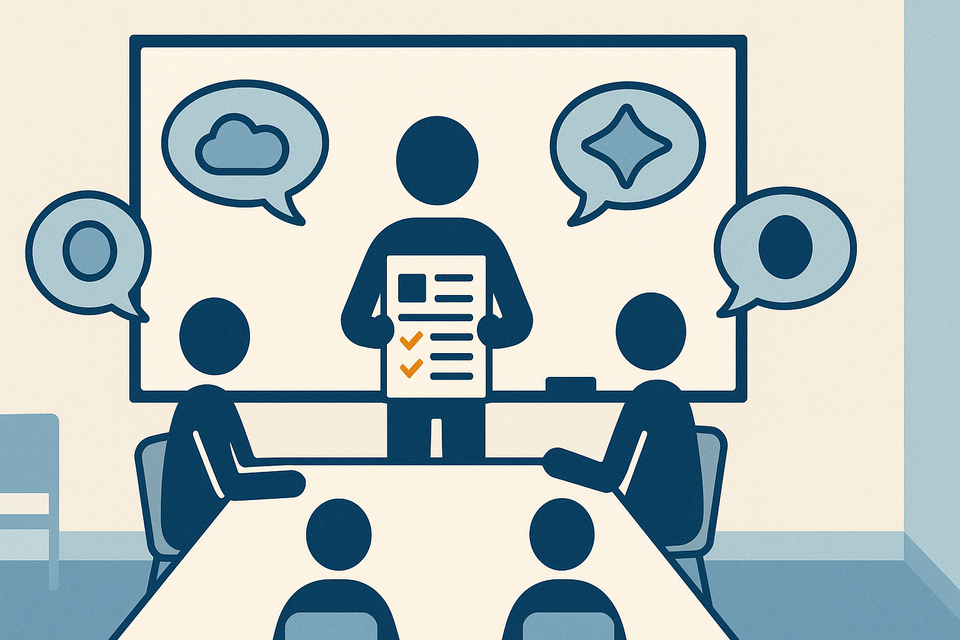
The same applies here. Implement AI agents with built-in approval gates. Log what the agent was asked to do and what data it used. Set up a human review step before anything generated by the agent reaches your stakeholders. Yes, this reduces the time savings. It is also the difference between a useful tool and a liability.
Start by auditing any AI agents already in your workflow right now. Where are you using them? What decisions are they influencing? Can you trace their work back to a source? Spend the next two weeks collecting that information. That inventory will show you exactly where you need governance built in, and where you can probably expand AI safely.
Practical AI intelligence for project managers. Weekly, free. Get frameworks, tools, and decisions that help you stay ahead of AI adoption on your projects. No hype. No filler. Subscribe free →
Not sure which AI tools to trust on your projects? Download the free AI Tool Evaluation Checklist: 12 questions PMs ask before approving any AI tool for their team. Download free →