Fix Channel Chaos Before Stakeholder Decisions Stall
You send a status update to Slack. Your executive sponsor sees it three hours later.
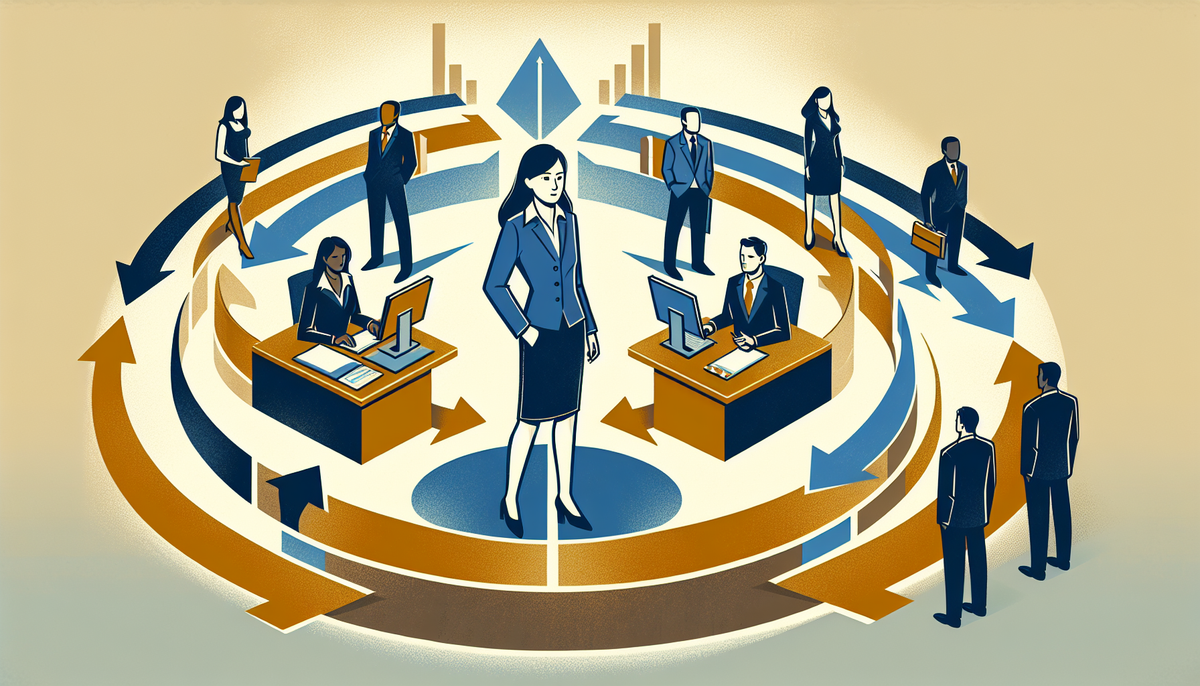
You send a status update to Slack. Your executive sponsor sees it three hours later. Your delivery team never sees it at all because they're in a different channel. Your client is expecting a formal weekly report but gets confused updates scattered across email, Teams, and that one shared drive nobody checks. Three days before a milestone, you realize key stakeholders didn't know there was a decision to make.
This is not a planning problem. This is a channel problem.
Most PMs inherit their communication setup rather than design it. Email feels safe. Slack feels modern. A weekly meeting feels responsible. So you use all three and wonder why critical information either gets lost or creates noise that makes people tune out. The cost is real: missed escalations, repeated questions, stakeholders who feel out of the loop, and decisions that don't stick because the people who need to act never saw the framing.
Here is what actually happens: the channel you choose shapes whether information moves at all. A decision that lands in email feels formal and binding. The same decision in Slack feels like background chatter. A risk that gets buried in a dense status report might spark urgent action if it lands as a two-minute video message. Your stakeholders are not being difficult. They are working with the channels you gave them, interpreting them the way their brain is wired to interpret them. You are the one choosing the container.
The fix is not adding more tools. It is being deliberate about which channel serves which purpose, which stakeholder group actually uses it, and what you are asking that channel to carry.
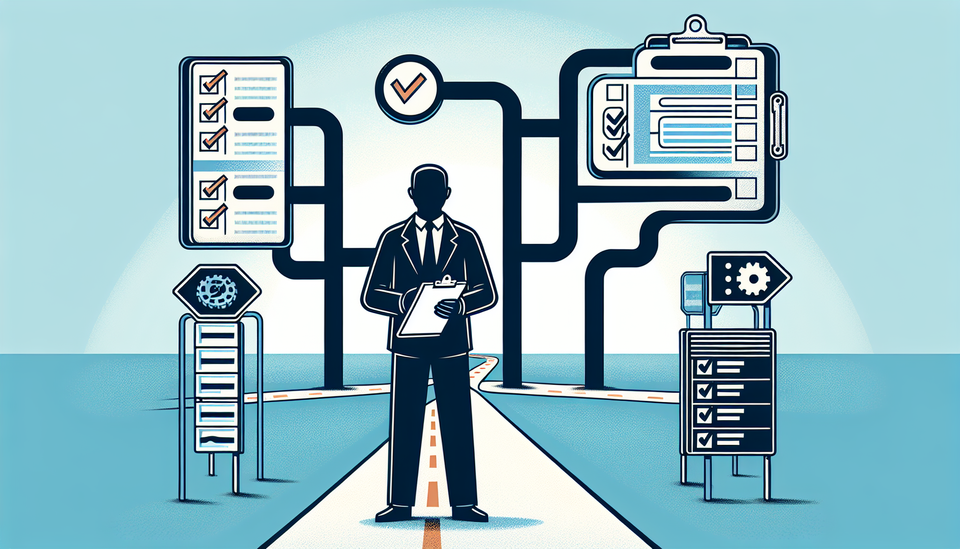
Start by mapping what each of your stakeholder groups actually needs. This is not theoretical. Open your current project and name the groups: steering committee, delivery team, client, extended team, finance, legal, whatever applies. Now ask yourself honestly: how does each group prefer to receive information? Not how should they prefer. How do they actually respond fastest? Where do they spend their attention? A steering committee full of executives will read a three-paragraph email summary with one clear decision. They will not read a long Confluence page. Your delivery team will check Slack during standups but misses long email threads. Your client might need formal documentation for compliance even if they also want Slack updates.
The reason this matters is that miscalignment between stakeholder preference and your chosen channel creates friction that kills momentum. You send a detailed update to the wrong place. People miss it. You resend it. Someone gets frustrated. You add a meeting to "make sure everyone is aligned." The information was never the problem. The container was.
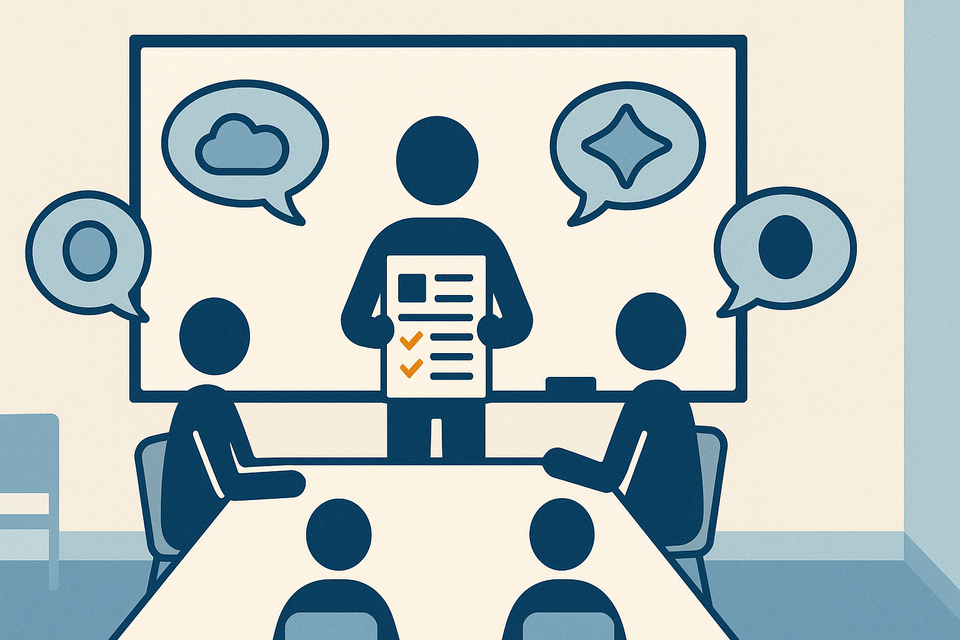
Here is the pattern to use: synchronous channels for decisions and urgency, asynchronous channels for information, and recurring syncs for alignment. Slack is fast but ephemeral. Email feels slow but creates a record. A weekly sync creates a rhythm. A one-on-one creates safety for difficult conversations. Each has a job. When you blur them, everything gets worse.
A practical move: build a one-page communication matrix for your next project. Rows are your stakeholder groups. Columns are message type: status, decision, risk, change request, escalation. The cell tells you the channel and cadence. Status goes to Confluence weekly. Decisions go to email with a clear "confirm by Friday" deadline. Risks that hit your RAID log get a Slack ping. Escalations get a same-day email to the sponsor. Change requests follow your formal process. Now everyone knows where to look and what to expect.
This is where AI starts to earn its place. If you are managing a large steering committee or a distributed team, AI can help you route the right message to the right stakeholder through their preferred channel without creating duplicate work. Some teams are using AI-powered summaries to turn a long Confluence page into an executive summary that goes to Slack or email. Others are using transcription tools to capture a 30-minute sync and automatically surface action items with owners assigned.
But here is the honest limit: AI cannot choose your channels for you. It can summarize better. It can flag when a critical update did not get acknowledged. It cannot replace the decision about whether this message belongs in a meeting or an email or a dashboard. That is still yours.
If you want to layer in a tool, Notion AI or your Confluence AI assistant can help you generate status summaries that pull from multiple sources and land in the right format. Some teams feed their sync notes into an AI tool to automatically surface decisions and owners, then route those to email while status goes to Slack. It removes a manual step but does not replace the channel architecture you have to design first.
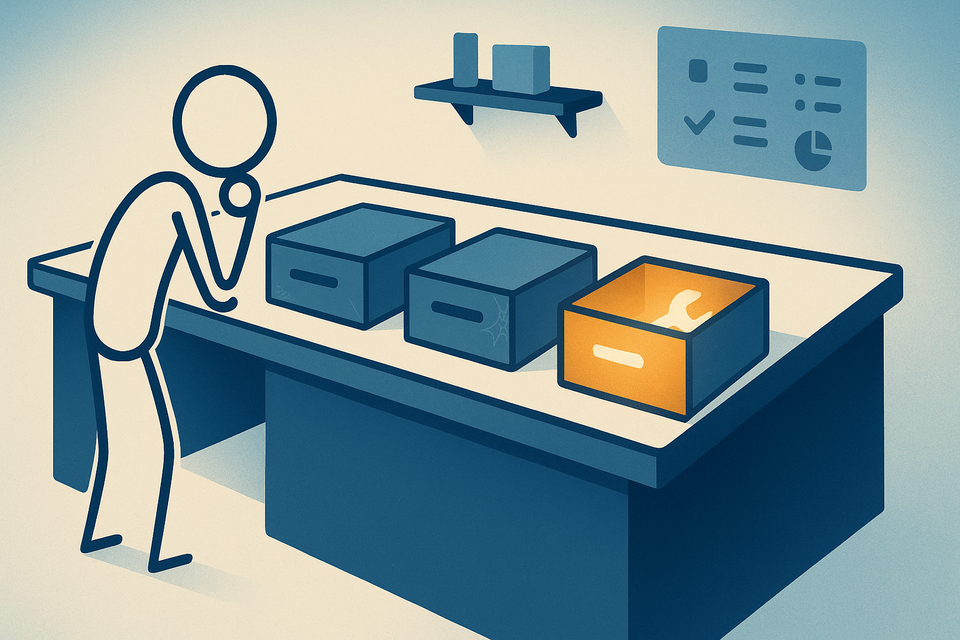
Here is what you should do this week: audit your current project's communication chaos. List every channel you are using. For each one, write down what it is actually carrying and whether it is the right container. You will probably find that some channels are doing multiple jobs and some jobs have no clear channel. Fix that first.
Then run a 30-day experiment: implement your one-page communication matrix. Tell your stakeholders what you are doing and why. Measure what actually changes. Do decisions land faster? Do people stop asking "did you see my email?" Do escalations get faster visibility? That signal will tell you whether your channel design is working or whether you need to adjust.
The stakes are higher than they look. Delivery happens at the speed of communication. Get the channel wrong and you are fighting physics.
Practical AI intelligence for project managers. Weekly, free. Get frameworks, tools, and decisions that help you stay ahead of AI adoption on your projects. No hype. No filler. Subscribe free →