Why PMs Who Use AI for Risk Registers Still Miss the Biggest Risks
Most risk registers are theater. You fill them in during project kickoff, update them when something breaks, and…

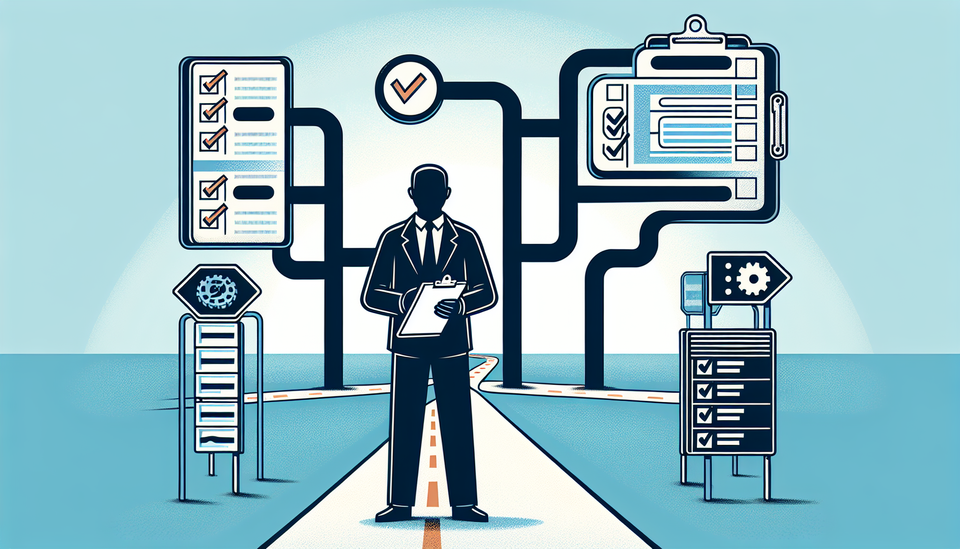
Most risk registers are theater. You fill them in during project kickoff, update them when something breaks, and otherwise ignore them. Everyone knows this. The stakeholders know this. The reason is simple: maintaining a useful risk register is labor-intensive, and most of the work is tedious. You are hunting for patterns across spreadsheets, cross-referencing dependencies, flagging the same cluster of risks that showed up on your last three projects. That is where AI changes the math. But only if you know what to let it do and what to keep for yourself.
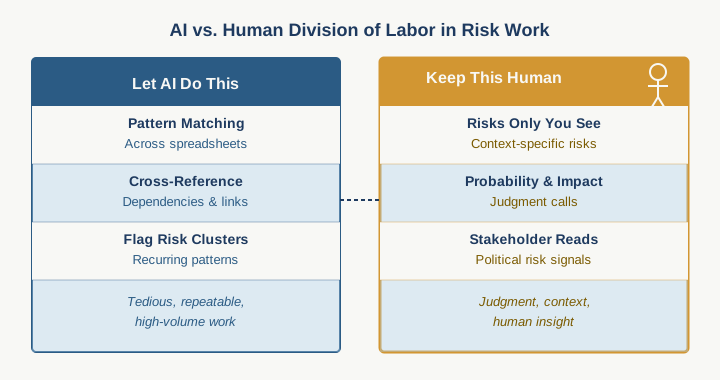
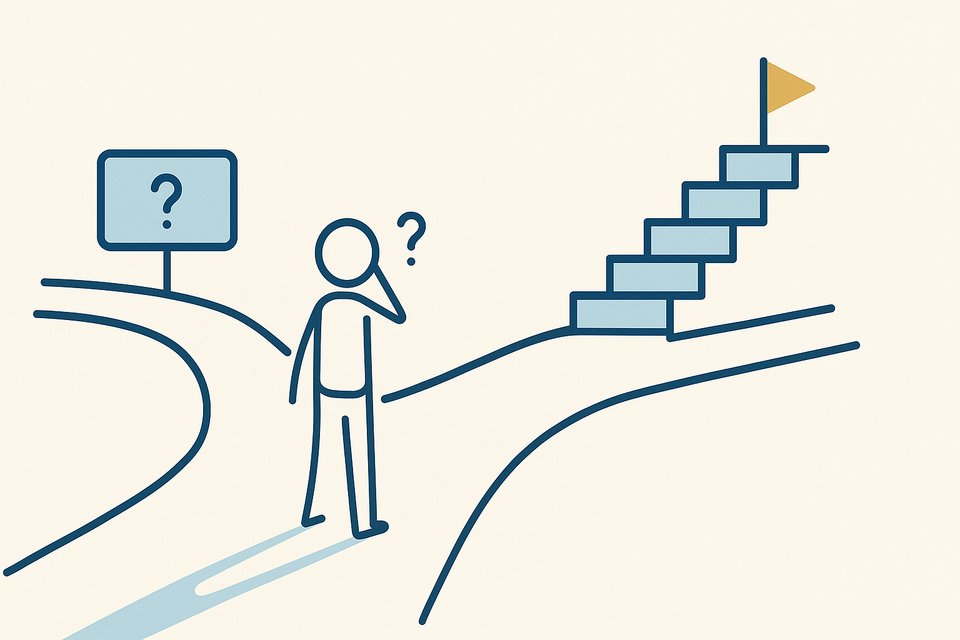
Here is what is actually broken in most PM risk management: You are drowning in low-signal maintenance work and starving for high-signal judgment. The system breaks not because you are not identifying risks (you are). It breaks because by the time you surface a risk, layer in probability and impact, trace it to stakeholder appetite, and decide whether to escalate, you have already spent an hour on something you should have spent ten minutes on. Meanwhile, the risks that actually matter, the ones tangled up in organizational politics, stakeholder misalignment, or technical dependency chains you cannot see from a spreadsheet, those risks either never make it into the register or sit there flagged as yellow when they should be red. AI can accelerate the first problem. It will never solve the second one. And that is the distinction that makes the difference between AI in your risk register and AI that actually helps you manage delivery.
The capabilities are real. AI is genuinely strong at pattern matching and flagging interdependencies you would miss. Feed it a project charter and a historical list of risks from similar projects, and it will surface risk clusters: scope creep cascading to timeline pressure, resource constraints triggering quality shortcuts, that particular vendor relationship historically causing handoff delays. It can run through your dependencies and flag which tasks have the most downstream exposure. It can help you score probability and impact faster if you give it criteria. All of that saves time. But here is the part vendors never emphasize: AI is blind to context. It cannot tell you whether your steering committee will tolerate a three-week delay in phase two or will treat it as a project-ending failure. It cannot read the room when your technical lead is saying everything is on track but actually means "I am about to escalate something urgent." It cannot weight the risk that your client contact is leaving in six weeks and taking their tribal knowledge with them. Those are the risks that actually derail projects. And they live entirely in the human domain.
The practical move is to stop thinking of AI as a risk identifier and start thinking of it as a risk manager's accelerant. Use it to handle the stuff that is slowing you down, and keep your judgment where it matters most.
Here is the three-step workflow I would test this month. First, generate your base risk register with AI. Feed it your project charter, your WBS, and your historical risk log from similar projects. Ask it to surface risks by category: scope, schedule, resource, technical, stakeholder, vendor, and to flag dependencies that have multiple downstream tasks. Do not just accept the output. You are using this as your starting template, not your final register. Second, layer in your stakeholder risks. These are human calls only. What political dynamics matter here? Which stakeholders have veto power or hidden agendas? Which relationships are fragile? Which decisions have been made by people who are no longer on the project? Add these to the register yourself and weight them as critical. Third, automate the monitoring. Once the register is built, have AI check for changes weekly: new dependencies that emerged, completed tasks that lower probability on downstream risks, scope changes that trigger new risk clusters. The AI keeps the register fresh without you manually reviewing every line every week.
For tools: if you are already in Jira or Asana, start there. Their built-in AI features are growing faster than dedicated risk tools and they sit inside the systems you already use. Jira's AI Assistant can be prompted to surface risks from your backlog and link them to epics and dependencies. It does not replace your judgment on which risks matter most or how to communicate them to steering committees. That is still you. If you want a dedicated risk management layer, tools like Risks.ai or Riskalyze offer AI-powered pattern recognition, but they require feeding data in and out of your primary PM tool, which adds friction. Only worthwhile if your organization is managing portfolio-level risk across dozens of projects.
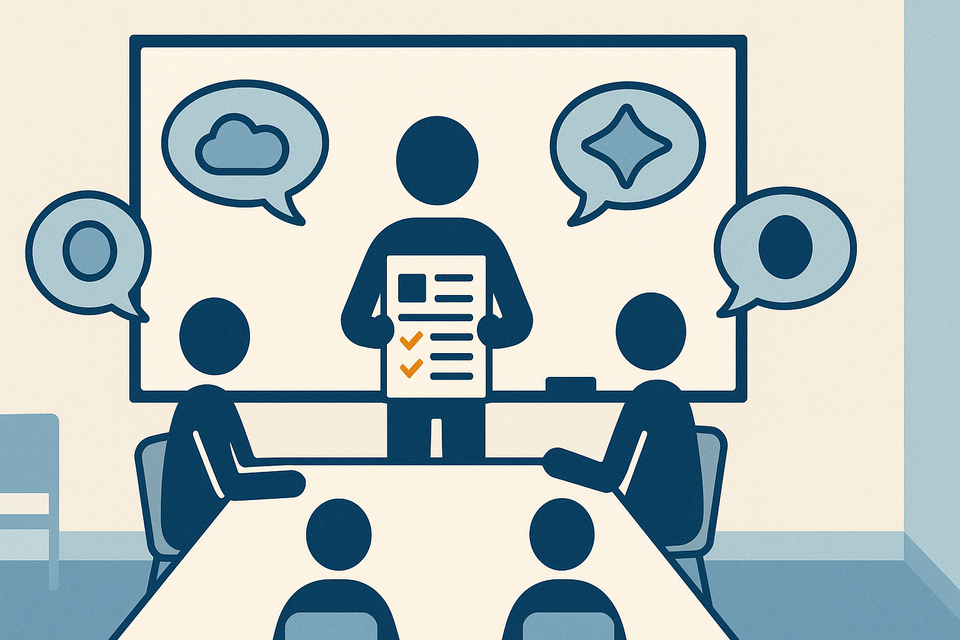
The honest limitation: AI risk registers can become a confidence trap. Because the output looks complete and professional, stakeholders often treat it as comprehensive when it is actually blind to half the real risks. Push back on that instinct. Your register should always have two sections: AI-identified risks (the data-driven, structural ones) and stakeholder risks (the human and political ones). If you are spending an equal amount of energy on both, you are doing it right.
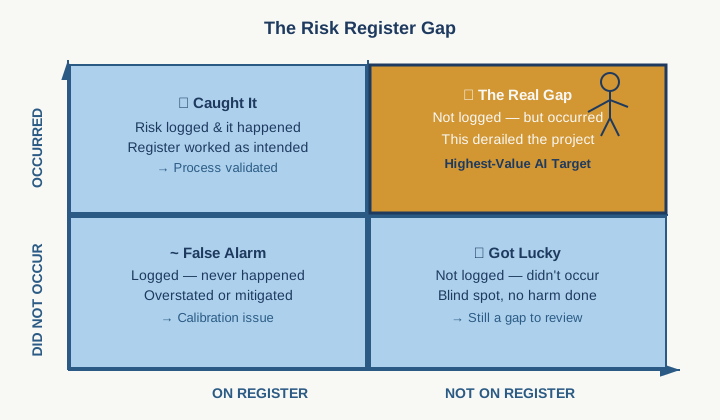
Start this week by auditing your current risk register. Which risks took you the longest to identify? Which ones were you actually wrong about? Which ones never showed up on the register but derailed the project anyway? That gap between what the register said and what actually happened. That is where you will find the highest-value opportunity for AI. Do not automate the risks you are already catching. Automate the work that is eating your time so you can focus on the risks only you can see.
Practical AI intelligence for project managers. Weekly, free. Get frameworks, tools, and decisions that help you stay ahead of AI adoption on your projects. No hype. No filler. Subscribe free →
Stop writing from scratch. Get the 20 prompts PMs actually use for status reports, stakeholder updates, and retro summaries. Download free →